Warm stone, olive trees and a sea that catches the light. An airy retreat with changing coastal weather and a moonlit view.
Ivory linen · Coastal light · Living seaA quiet corner of your Mac
Make room
for quiet.
A living view. Linen curtains. A little distance
from everything on your desktop.
Aegean QuietOne of two places to settle in.
Less noise. A little more room.
Your desktop,
with a softer side.
Some days, you don’t need another way to do more. You need a little space to just be.
Roombeam brings an intimate room to your Mac, with curtains you can draw and a view that changes with the day. Pull the linen closed, let the clutter slip out of sight, and open it again whenever you’re ready.
Your files stay exactly where you put them.
Out of sight.
Still right there.
A small ritual for a calmer desktop.
Try opening and closing each curtain.

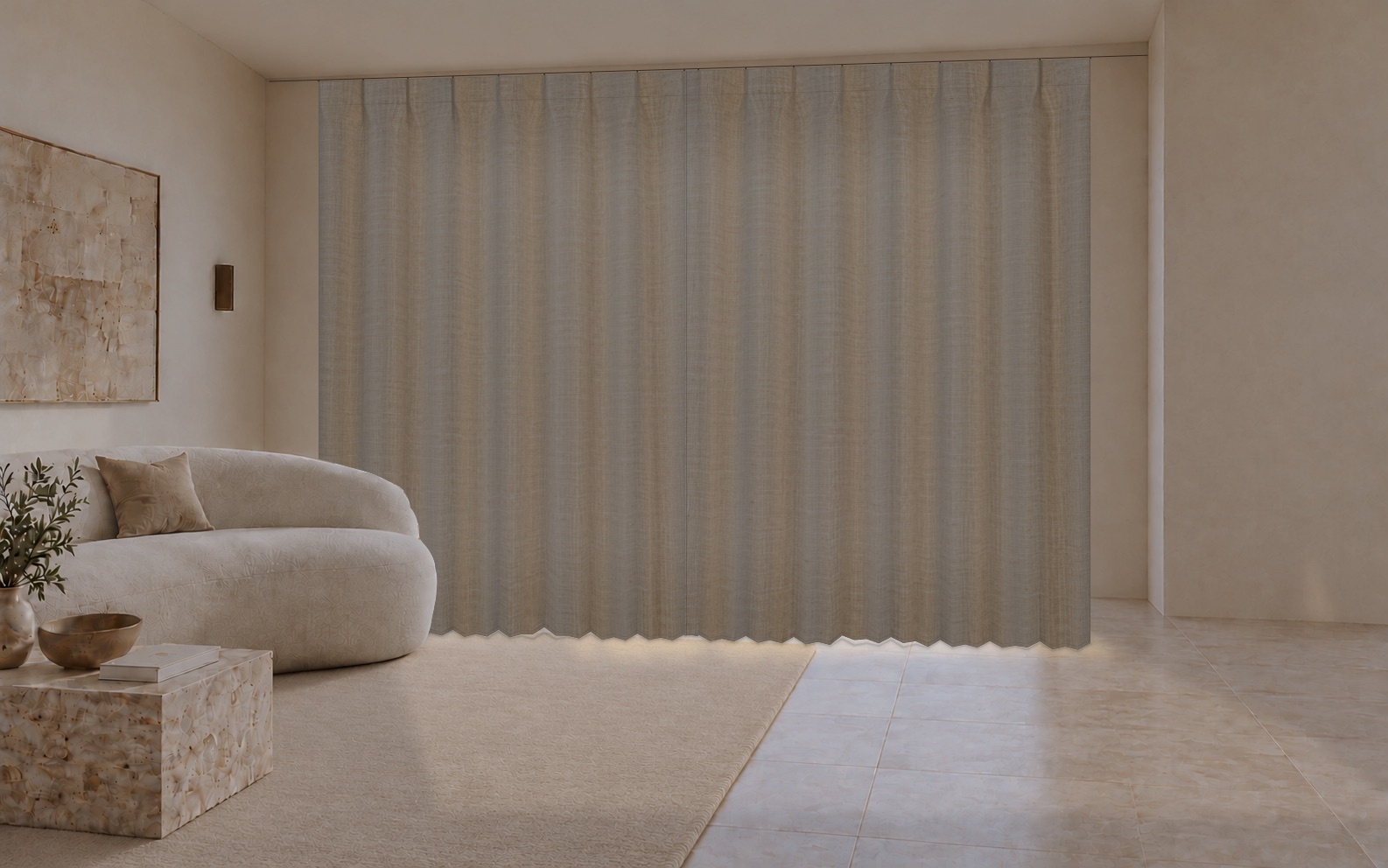 A little breathing room
Illustrative desktop preview
A little breathing room
Illustrative desktop preview
Sample files, real room imagery. In the Mac app, drag the fabric itself. Concealment is visual; it doesn’t lock your files.
In good company with the day
Let the outside
set the mood.
Morning light, a softer evening, the glow of a lamp after dark. Follow a chosen city’s time and weather, or set a moment of your own.
An authored landscape, inspired by your conditions.
These previews illustrate lighting, not a live forecast.
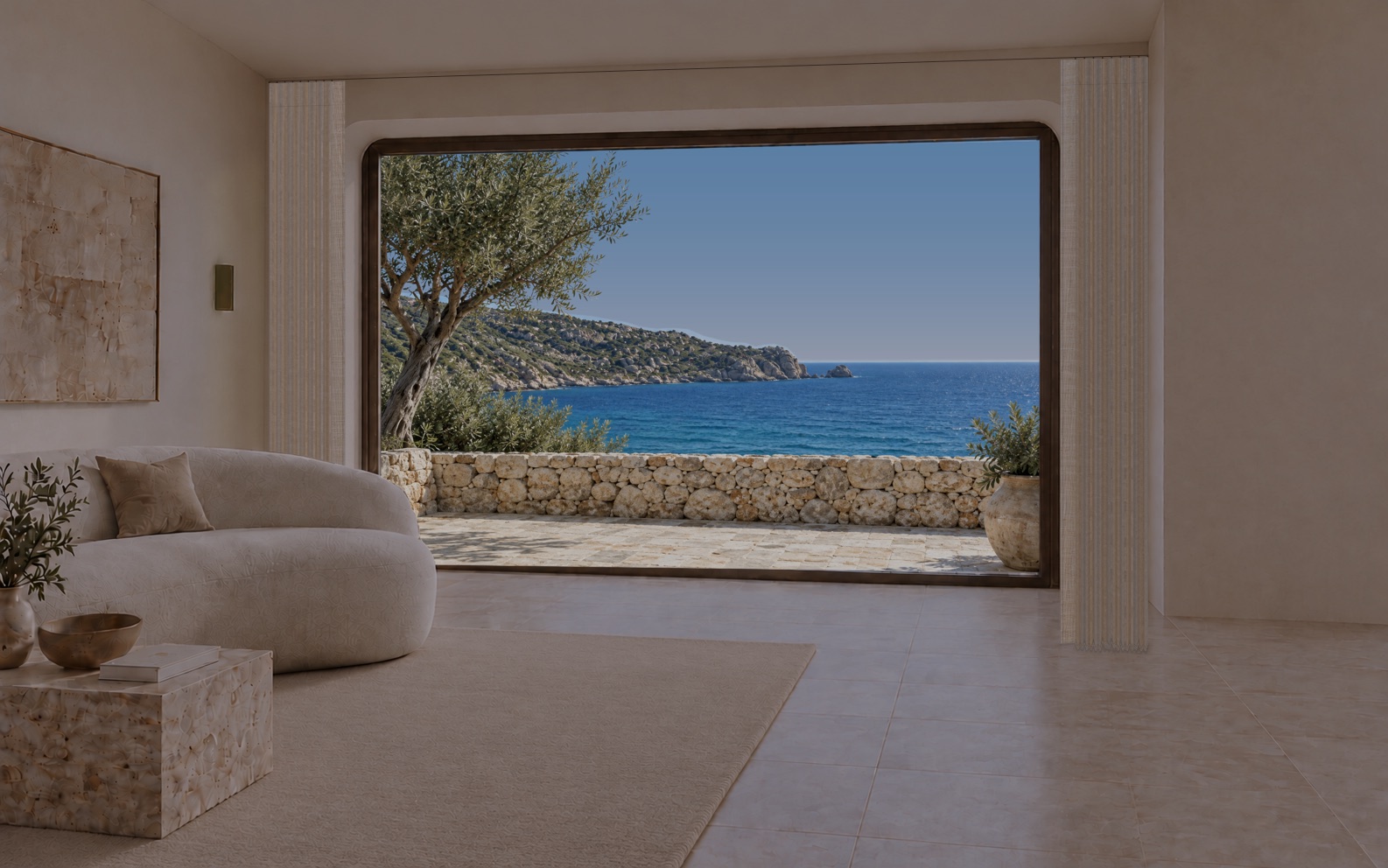
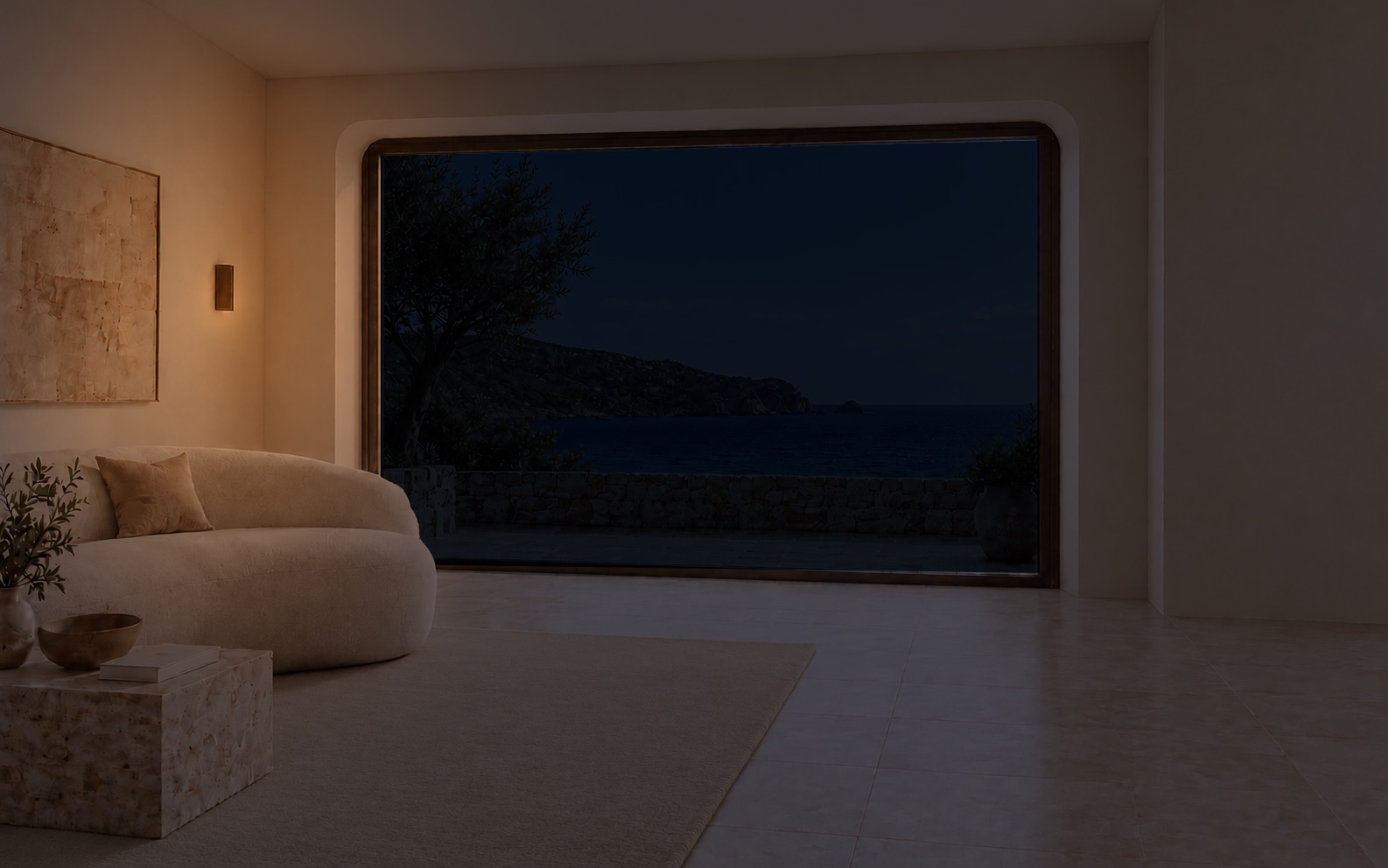
Somewhere that
feels like you.
Two different places.
The same permission to slow down.
Deep timber, a quiet mountain lake and the comfort of a warm lamp. A snug place to watch the weather and seasons pass.
Textured timber · Lake weather · Changing seasonsYour choice here changes this website’s closing scene. In Roombeam, each room remembers its own curtains and painting.

A little room.
A thoughtful fit.
Made to sit quietly around your desktop,
and leave when you ask it to.
What happens to my desktop files?
Finder keeps ownership of your files. Place items in the room’s window area using Finder, then draw the curtains to conceal them visually. Roombeam doesn’t move or scan your desktop files. Open the curtains, hide the room, or quit to see your desktop again.
Can I make the room my own?
Choose Aegean Quiet or Smoked Timber Refuge, adjust each curtain and select a painting from the included collection. Each room remembers its curtains and painting. Atmosphere choices are shared between rooms.
Does it follow my location?
Choose a city to follow its time, daylight and weather, or use Custom mode for an offline scene. “Use my location” is an optional, explicit, one-time lookup in the city picker. The landscape stays an authored coast or mountain lake; it is not a camera feed from that city.
What if I prefer less motion?
The app lets you pause scenery and reduce curtain motion. It also respects macOS Reduce Motion. On this website, use the motion control above; the manual previews still work when motion is paused.
When can I get Roombeam?
Roombeam’s Mac App Store release is in preparation. The planned offer is a three-day trial followed by a separate one-time unlock of both available rooms, with no subscription or automatic charge. Store approval and final purchase verification are still being completed. There is no public download yet.
What about privacy?
Roombeam doesn’t require Screen Recording or Accessibility permission. Optional usage analytics and crash reporting are off by default. Weather requests use the selected city’s coordinates. Read the current privacy notice for the details.
Your quiet place: Aegean Quiet
A little less rush.
A little more room.
Roombeam is getting ready for the Mac App Store.
We’re looking forward to welcoming you in.